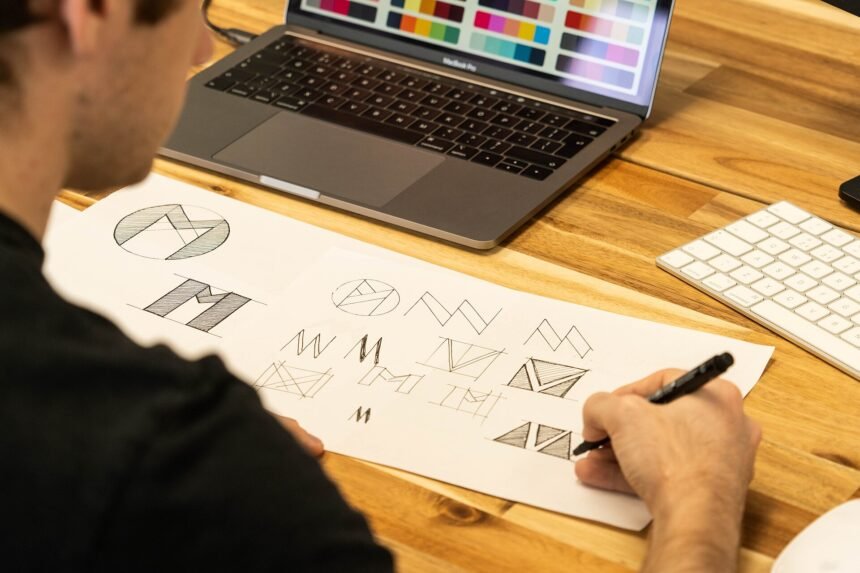
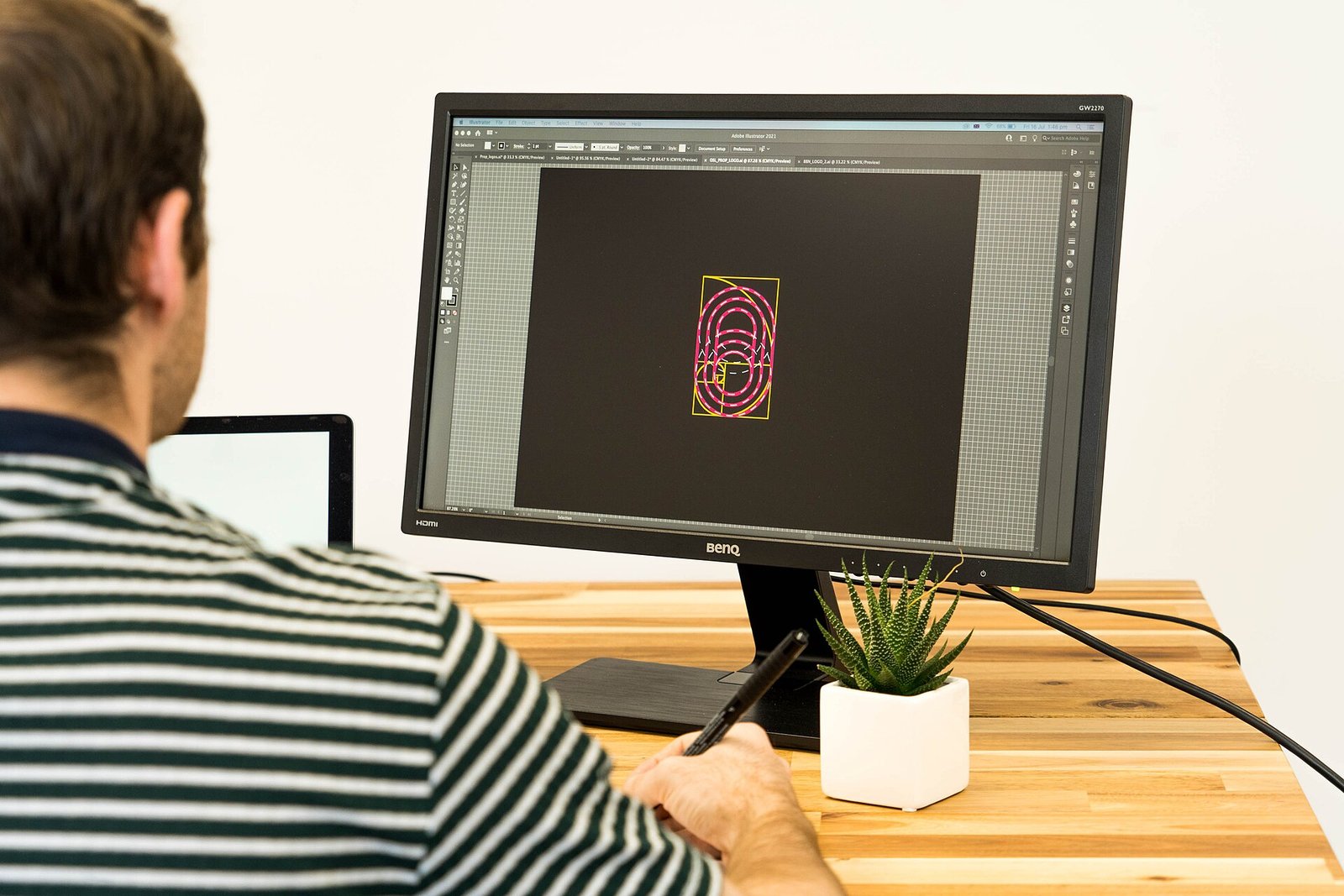
AI Design Tools 2026 में लोगो, पोस्टर और सोशल मीडिया ग्राफिक्स बनाना पहले से बहुत आसान हो गया है। अब डिजाइन सीखने में महीने नहीं लगाने पड़ते — सिर्फ एक अच्छा prompt लिखिए और AI कुछ ही सेकंड में डिजाइन तैयार कर देता है। इस आर्टिकल में हम 5 best AI Design Tools के बारे में बात करेंगे — इनके free और paid plan, कीमत और खास बातें, ताकि आप अपने काम के हिसाब से सही टूल चुन सकें।
- 1. Canva – सबसे आसान और complete AI design tool
- 2. Adobe Firefly – Professional quality के लिए Adobe का AI
- 3. Ideogram – Poster और लोगो में सही टेक्स्ट लिखने वाला AI
- 4. Looka – सिर्फ लोगो और brand kit के लिए बना AI tool
- 5. Microsoft Designer – Microsoft account वालों के लिए free AI design
- 5 Best AI Design Tools की तुलना
- AI Design Tool चुनते समय क्या देखें?
1. Canva – सबसे आसान और complete AI design tool
Canva आज दुनिया का सबसे लोकप्रिय डिजाइन टूल है। इसका Magic Studio — Magic Write, Magic Edit, Magic Eraser और Background Remover — टेक्स्ट लिखने से लेकर फोटो एडिट करने तक सब कुछ संभालता है। इसमें 16 लाख से ज्यादा templates मिलते हैं, इसलिए YouTube thumbnail, Instagram post या business flyer — सब कुछ मिनटों में बन जाता है।
Canva का Free plan $0 में मिलता है, जिसमें 5GB storage और हर महीने सीमित AI uses मिलते हैं। Canva Pro की कीमत $18 प्रति महीना या सालाना $144 है, जिसमें premium templates, 100GB storage और Free plan से 10 गुना ज्यादा AI allowance मिलती है। Beginners और small business के लिए Canva सबसे सुरक्षित शुरुआत है।
Ye bhi padhein: 5 Sabse Badhiya AI Image Generator Tools 2026 – Free aur Paid, Kaunsa Best Hai?
2. Adobe Firefly – Professional quality के लिए Adobe का AI
Adobe Firefly Adobe का अपना AI image और video generator है। यह text-to-image, Generative Fill और video generation में बहुत मजबूत है। इसकी सबसे बड़ी खासियत यह है कि यह commercial use के लिए सुरक्षित तरीके से train किया गया है, इसलिए business काम में इसका इस्तेमाल निश्चिंत होकर किया जा सकता है। Free plan $0 में मिलता है, जिसमें हर दिन सीमित generations मिलती हैं। Paid plan Standard $9.99 प्रति महीना (2,000 generative credits) से शुरू होता है, Pro $19.99 प्रति महीना (4,000 credits) और Premium $199.99 प्रति महीना तक जाता है। हर paid plan में standard image generation unlimited मिलती है। Photoshop और Adobe Express इस्तेमाल करने वालों के लिए Firefly सबसे अच्छा साथी है।
3. Ideogram – Poster और लोगो में सही टेक्स्ट लिखने वाला AI
Ideogram की सबसे बड़ी ताकत है टेक्स्ट। ज्यादातर AI image tools poster पर गलत spelling लिख देते हैं, लेकिन Ideogram में शब्द साफ और सही आते हैं — इसलिए यह लोगो, poster और ad creative के लिए खास तौर पर अच्छा है। Free plan $0 में मिलता है, जिसमें Google, Apple या Microsoft से sign in करने पर हर हफ्ते 30 credits मिलते हैं (email से sign up करने पर free credits नहीं मिलते) और बनाई गई images public रहती हैं। Plus plan $20 प्रति महीना या सालाना billing पर $15 प्रति महीना (2,400 credits) और Pro plan $60 प्रति महीना या सालाना $42 प्रति महीना (7,500 credits) में मिलता है।
Ye bhi padhein: AI Photo Editing Tools 2026 – Free Me Photo Edit Karne Ke 5 Best Tarike
4. Looka – सिर्फ लोगो और brand kit के लिए बना AI tool
Looka एक ऐसा AI tool है जो सिर्फ लोगो बनाने पर focus करता है। आप अपनी company का नाम और पसंद बताइए — Looka सैकड़ों लोगो ideas बना देता है, जिन्हें आप रंग, font और layout बदलकर अपनी पसंद के हिसाब से ढाल सकते हैं। इसके साथ business card और social media post जैसे 300 से ज्यादा branded templates भी मिलते हैं। Looka पर लोगो design करना free है, लेकिन download करने के लिए one-time payment लगता है। हाल की जाँच (सितंबर 2026) के हिसाब से Basic package $35 one-time और Premium package $72 one-time में मिलता है; पुराने articles में $20 और $65 की कीमतें भी दिखती हैं, इसलिए checkout से पहले official page पर current price जरूर check करें। Brand Kit $96 प्रति साल में मिलता है।
5. Microsoft Designer – Microsoft account वालों के लिए free AI design
Microsoft Designer Microsoft का free AI graphic design tool है। यह DALL-E model से prompt लिखकर image और social media design बनाता है। इसमें background remove और photo restyle जैसी सुविधाएँ भी मिलती हैं। किसी भी free Microsoft account से इस्तेमाल किया जा सकता है — हर महीने AI credits मिलते हैं, हालांकि Microsoft इनकी exact संख्या publish नहीं करता। ज्यादा use के लिए Microsoft 365 Personal $9.99 प्रति महीना (हर महीने 60 AI credits, Copilot apps में shared) या Microsoft 365 Premium $19.99 प्रति महीना लेना पड़ता है। ध्यान रखें कि Designer personal, non-commercial use के लिए license दिया जाता है।
5 Best AI Design Tools की तुलना
| Tool | किस काम के लिए best | Free/Paid | खास बात |
|---|---|---|---|
| Canva | हर तरह की design — thumbnail, poster, social media | Free $0; Pro $18/month या $144/year | सबसे आसान, 16 लाख+ templates |
| Adobe Firefly | Professional image और video design | Free limited; Standard $9.99/month से शुरू | Commercial use के लिए सुरक्षित |
| Ideogram | Poster, लोगो और टेक्स्ट वाली design | Free 30 credits/week; Plus $20/month | Image पर सही spelling और साफ टेक्स्ट |
| Looka | सिर्फ लोगो और brand kit | Design free; download $35 one-time से | 300+ branded templates, vector files |
| Microsoft Designer | Quick social media और DALL-E image design | Free Microsoft account से; 365 Personal $9.99/month | Microsoft users के लिए बिना extra खर्च |
AI Design Tool चुनते समय क्या देखें?
सबसे पहले यह तय करें कि आपको क्या बनाना है। हर तरह की design के लिए Canva, professional काम के लिए Adobe Firefly, poster पर सही टेक्स्ट के लिए Ideogram, सिर्फ लोगो के लिए Looka और Microsoft users के लिए Microsoft Designer अच्छा रहेगा। Free plan से शुरुआत करें — ज्यादातर लोगों का काम free plan से ही चल जाता है। Paid plan तभी लें जब credits खत्म होने लगें या commercial license चाहिए हो। AI से बनाई image को final मानने से पहले spelling, लोगो की साफ-सफाई और brand के रंग जरूर check करें। AI तेज है, लेकिन आखिरी फैसला आपकी आँखों का ही होना चाहिए।
Ye bhi padhein: AI Kya Hai 2026 – Artificial Intelligence क्या है, कैसे काम करता है और इसके फायदे
Note: इस article में दी गई कीमतें और free limits November 2026 तक की जाँच पर based हैं। Free plan और कीमतें जल्दी बदलती हैं, इसलिए कोई भी tool खरीदने या subscribe करने से पहले उसकी official pricing page पर current details जरूर check करें।